The Cathedral
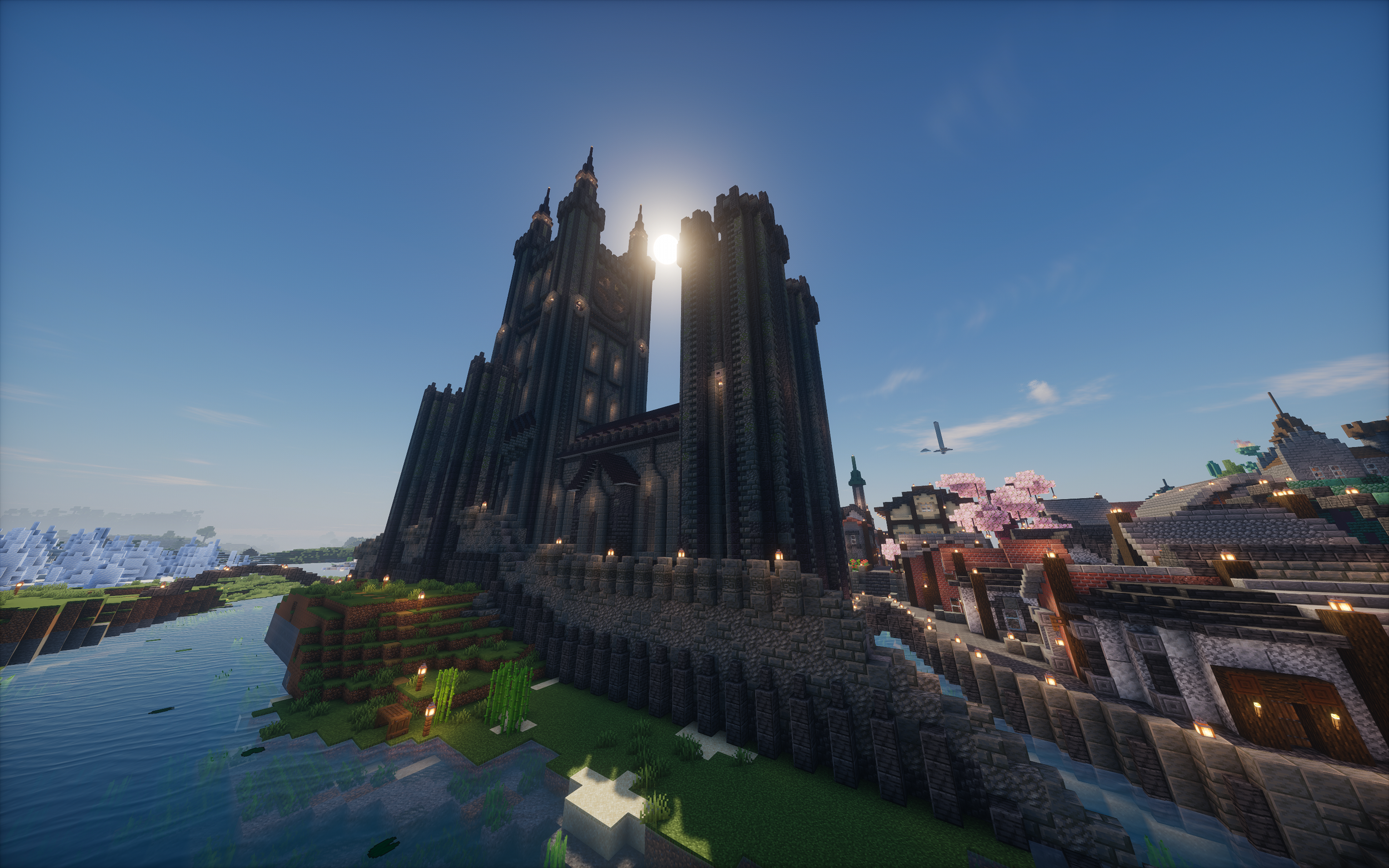
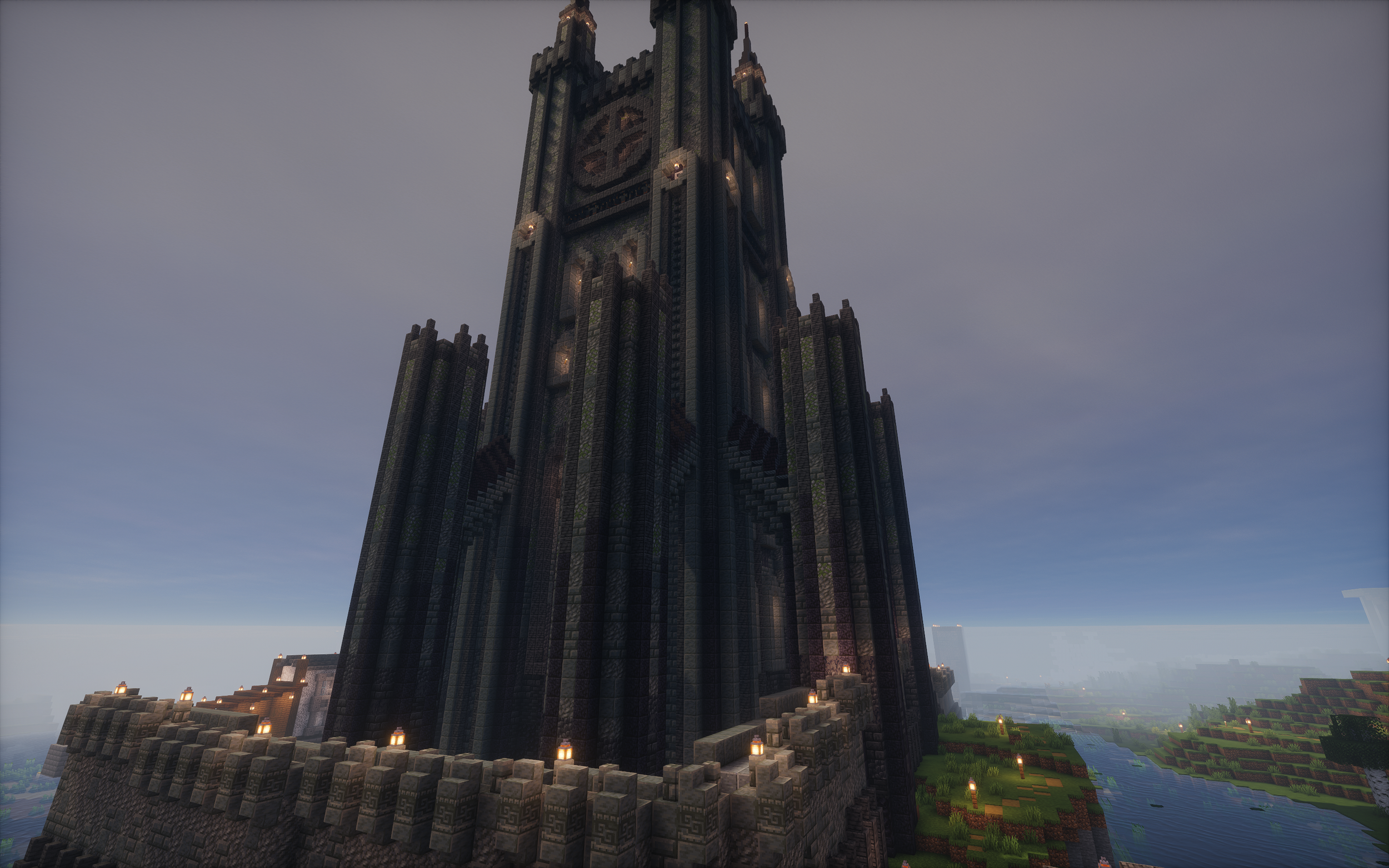
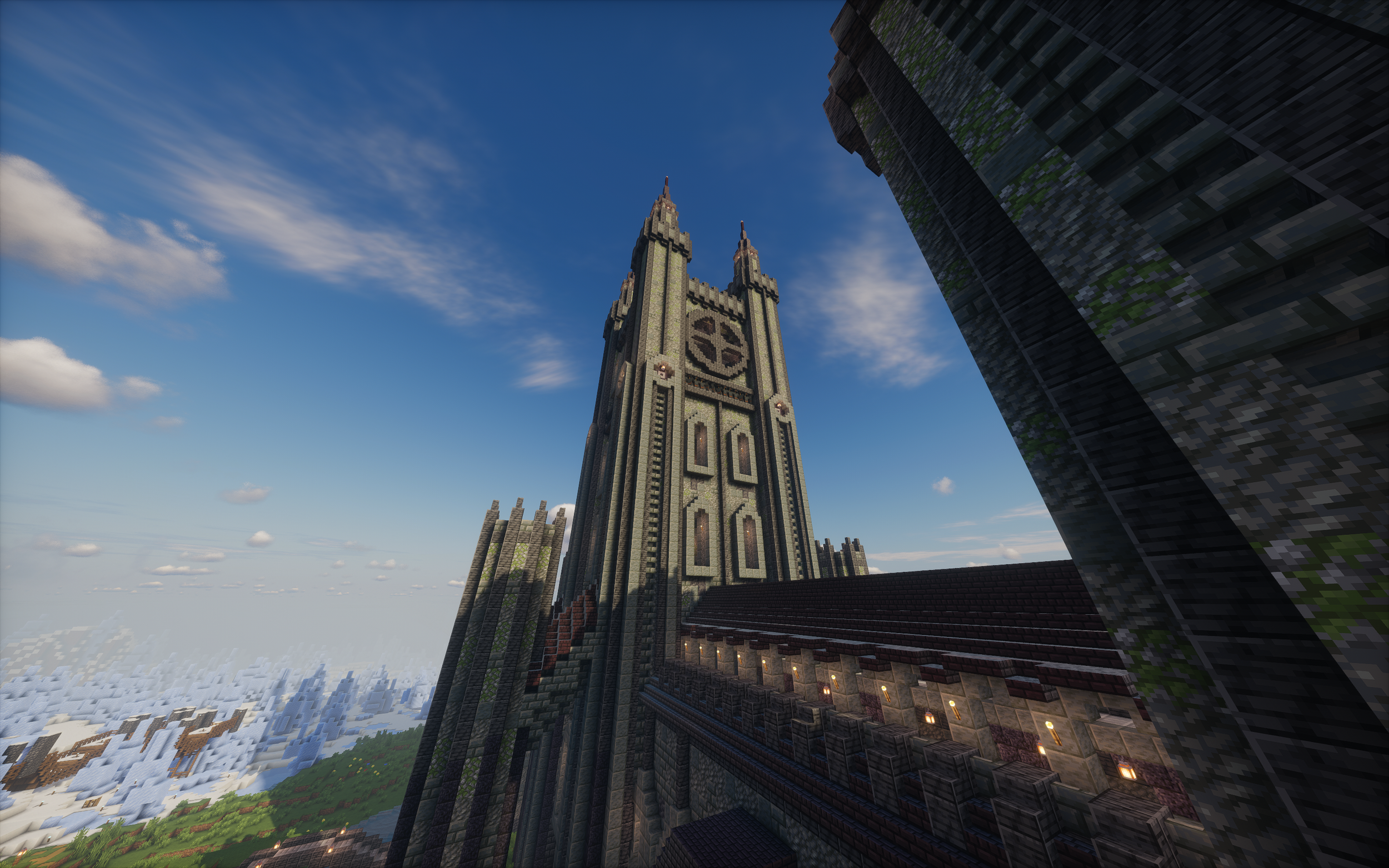
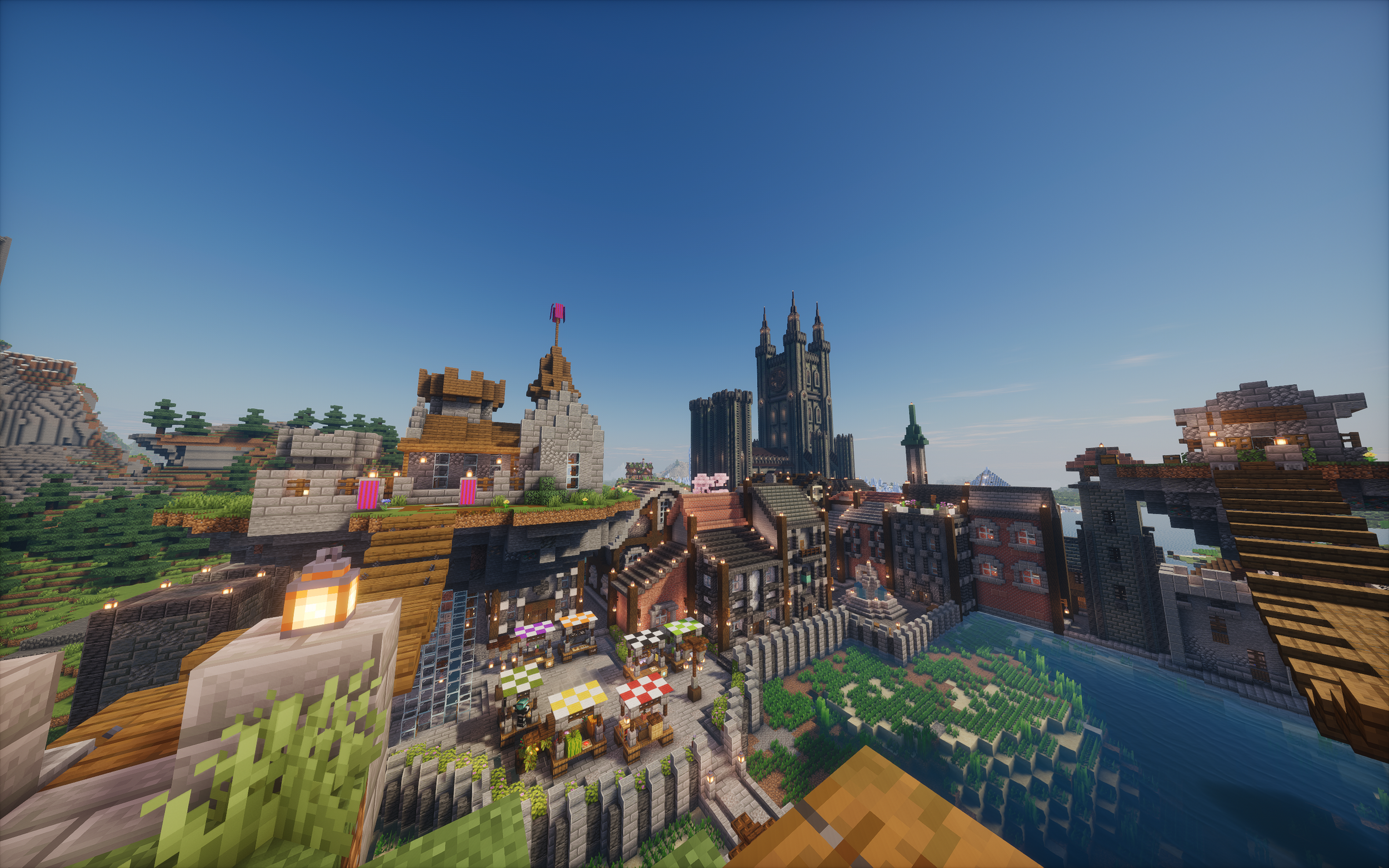
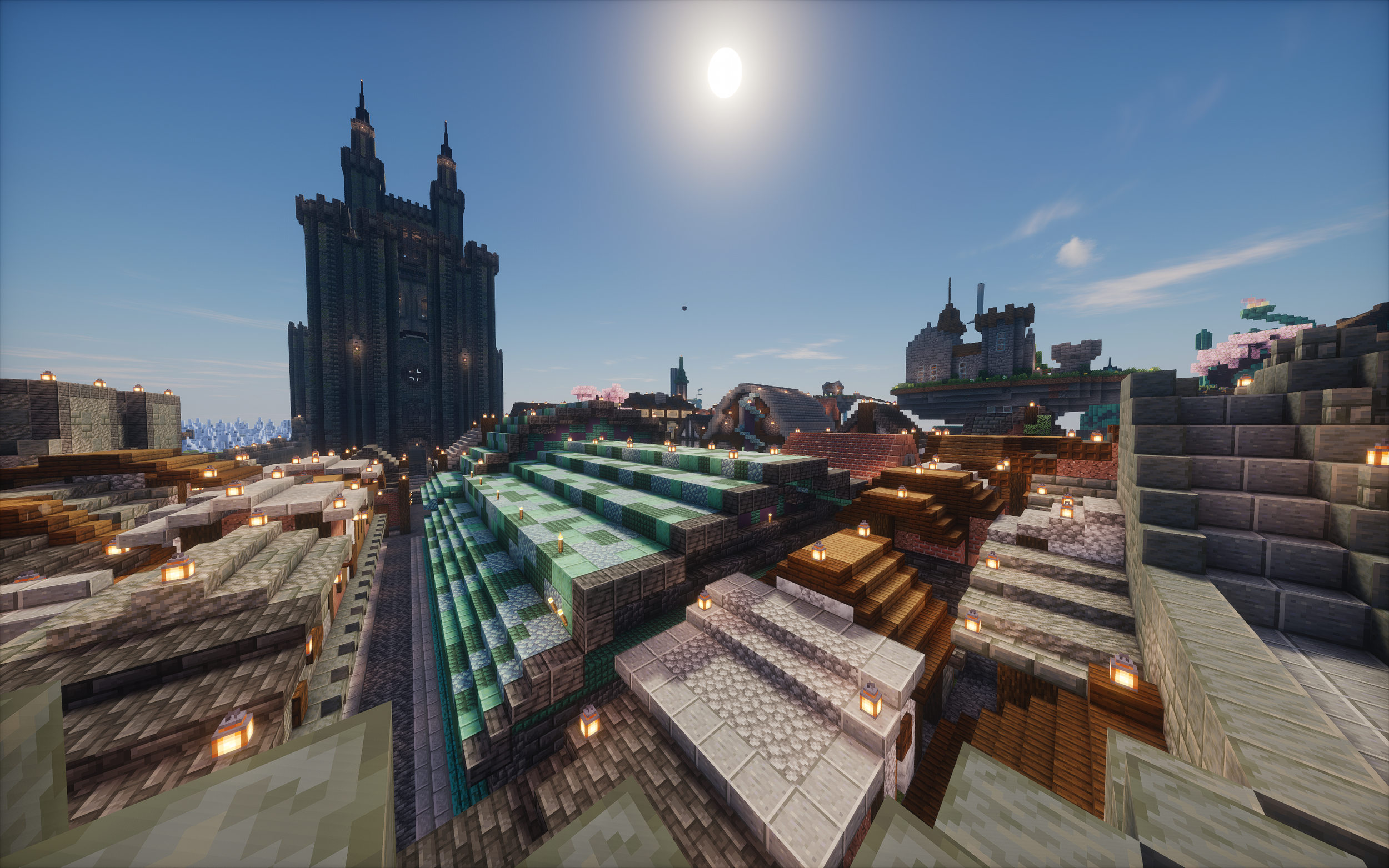
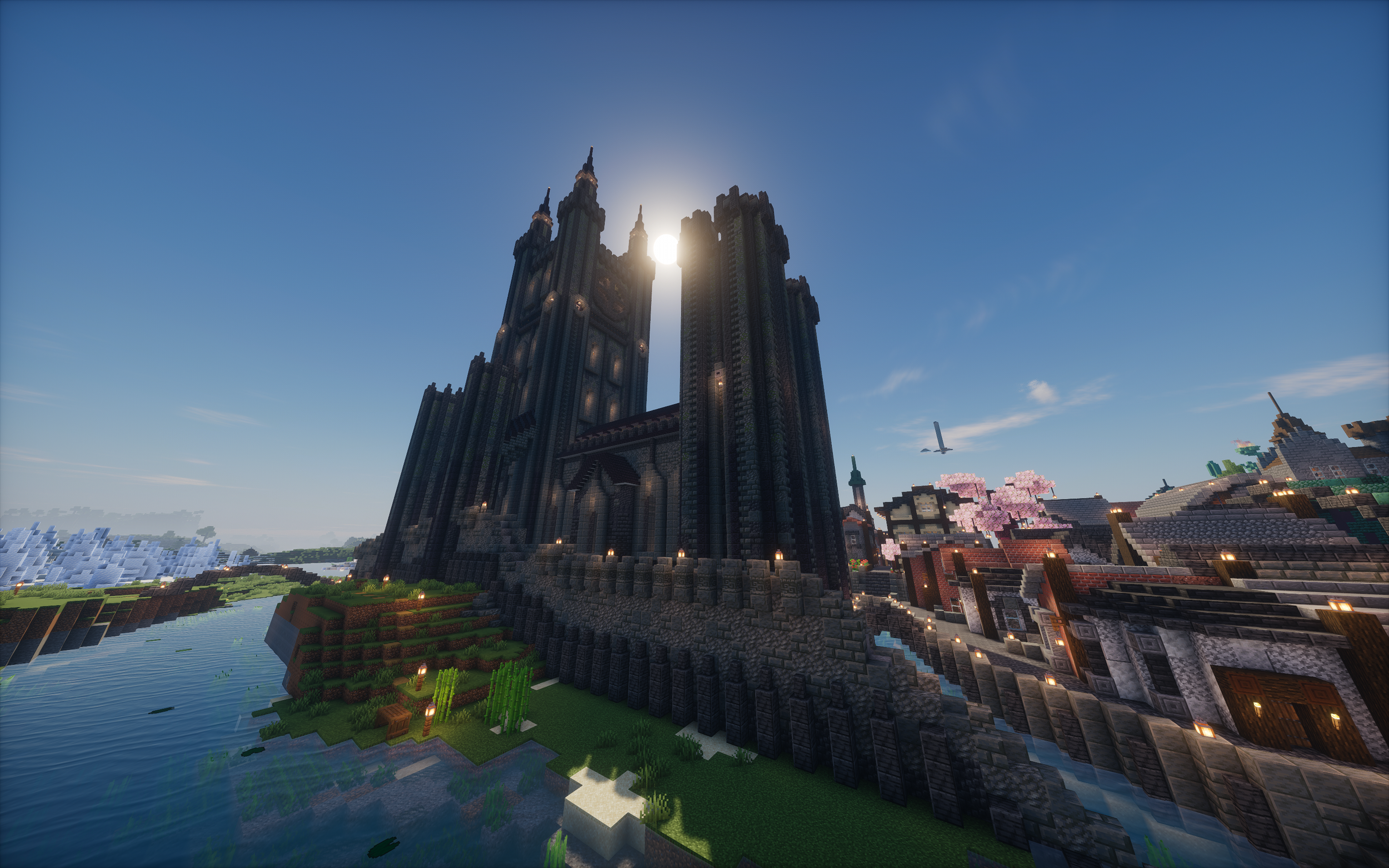
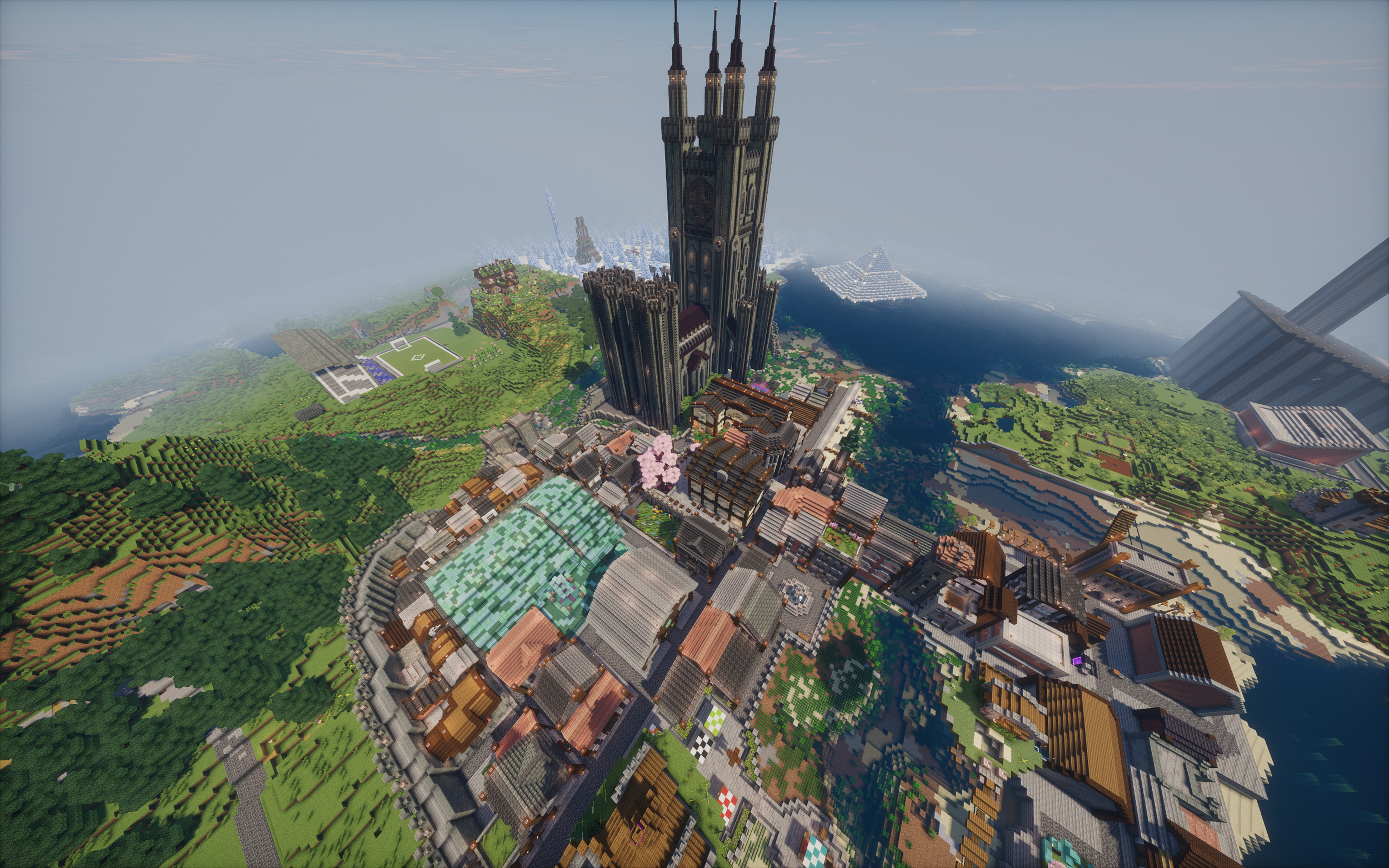
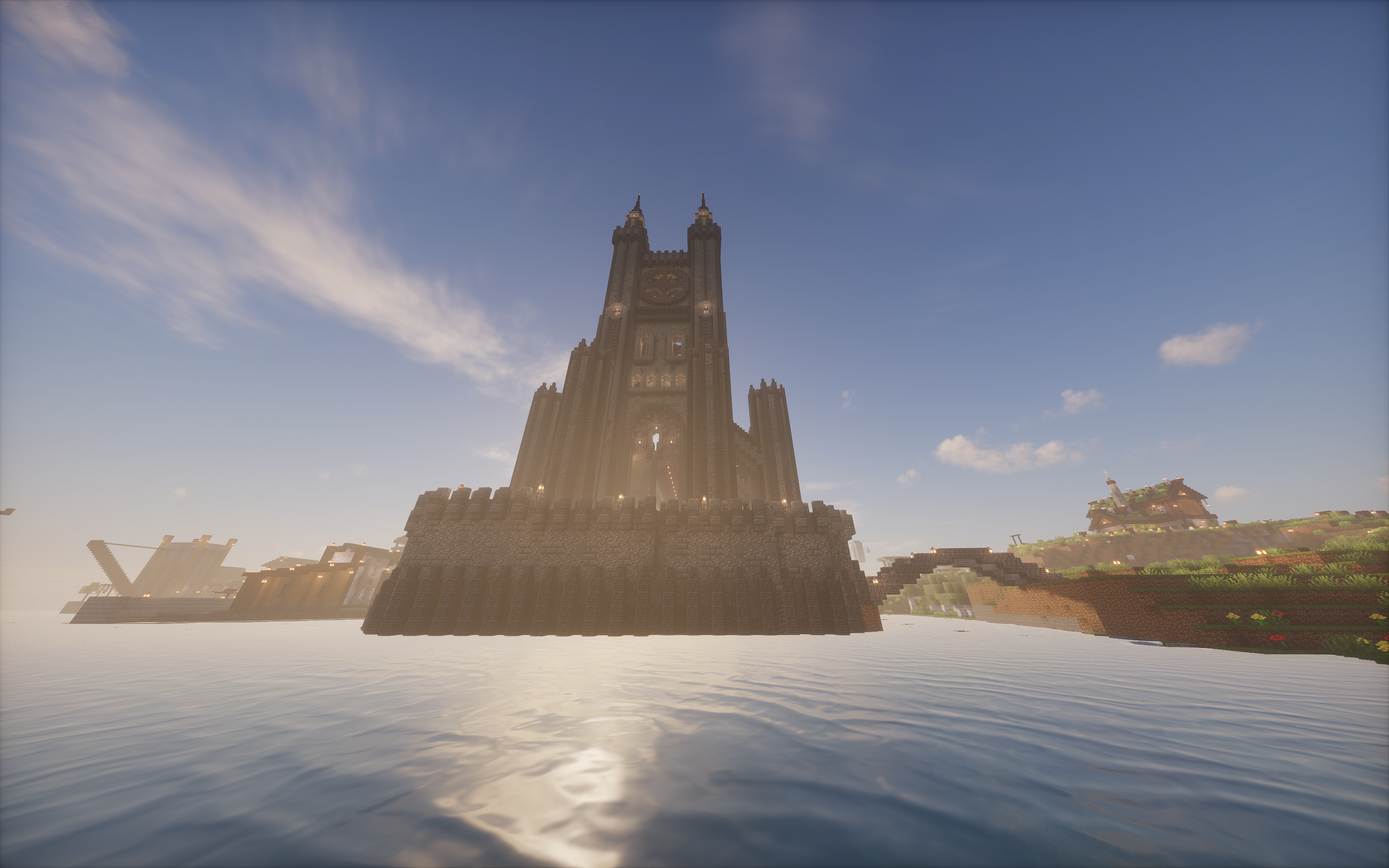
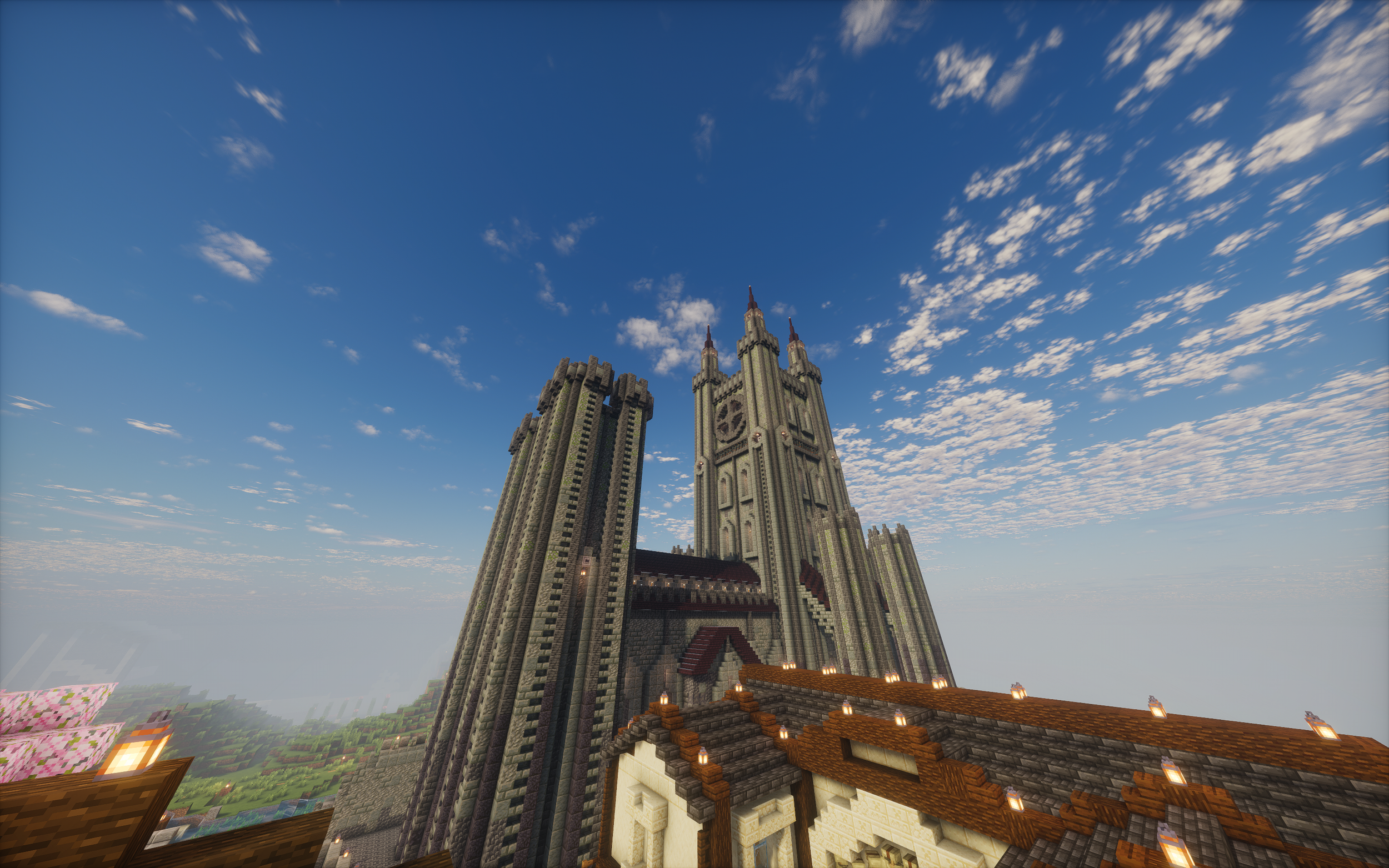
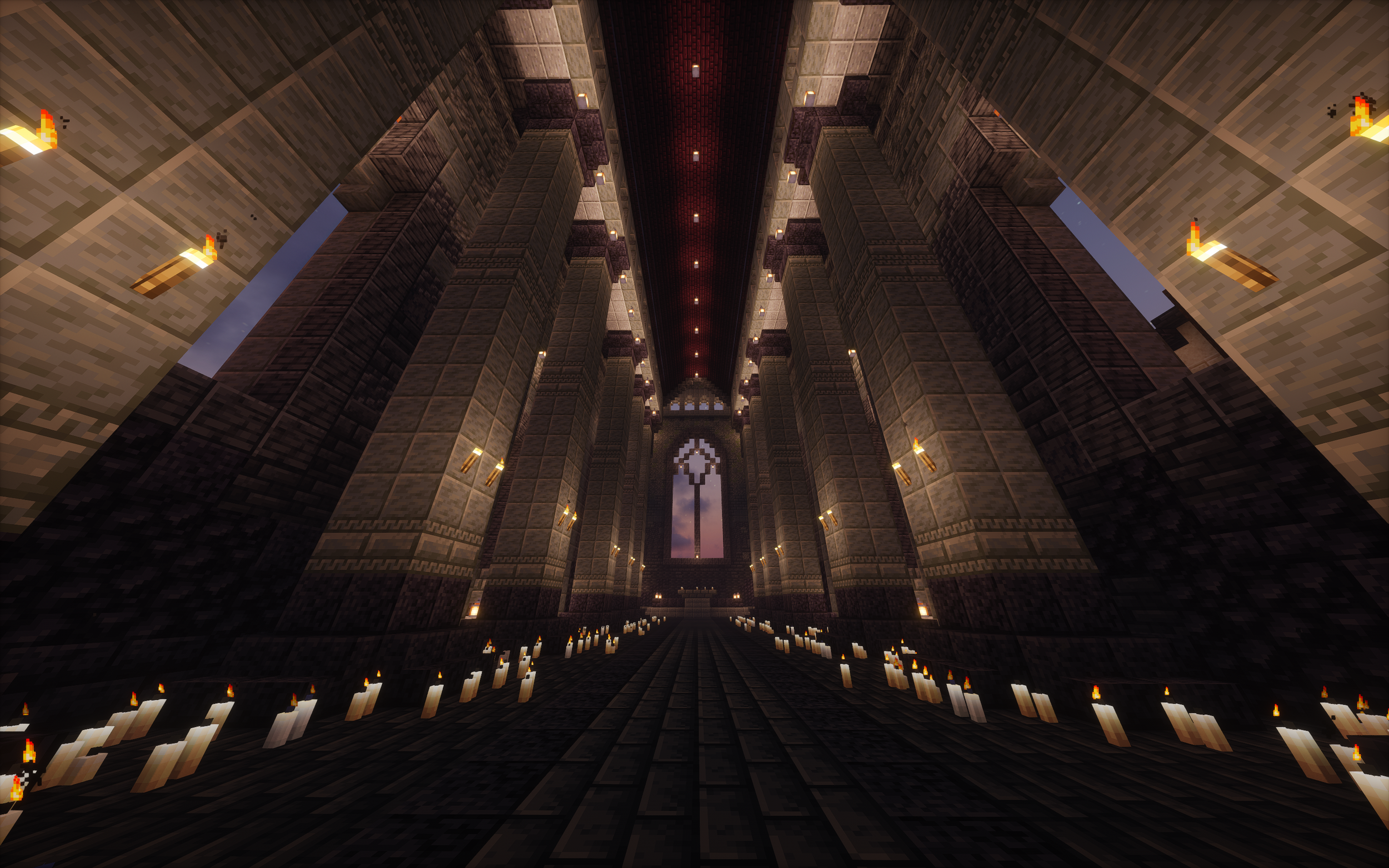
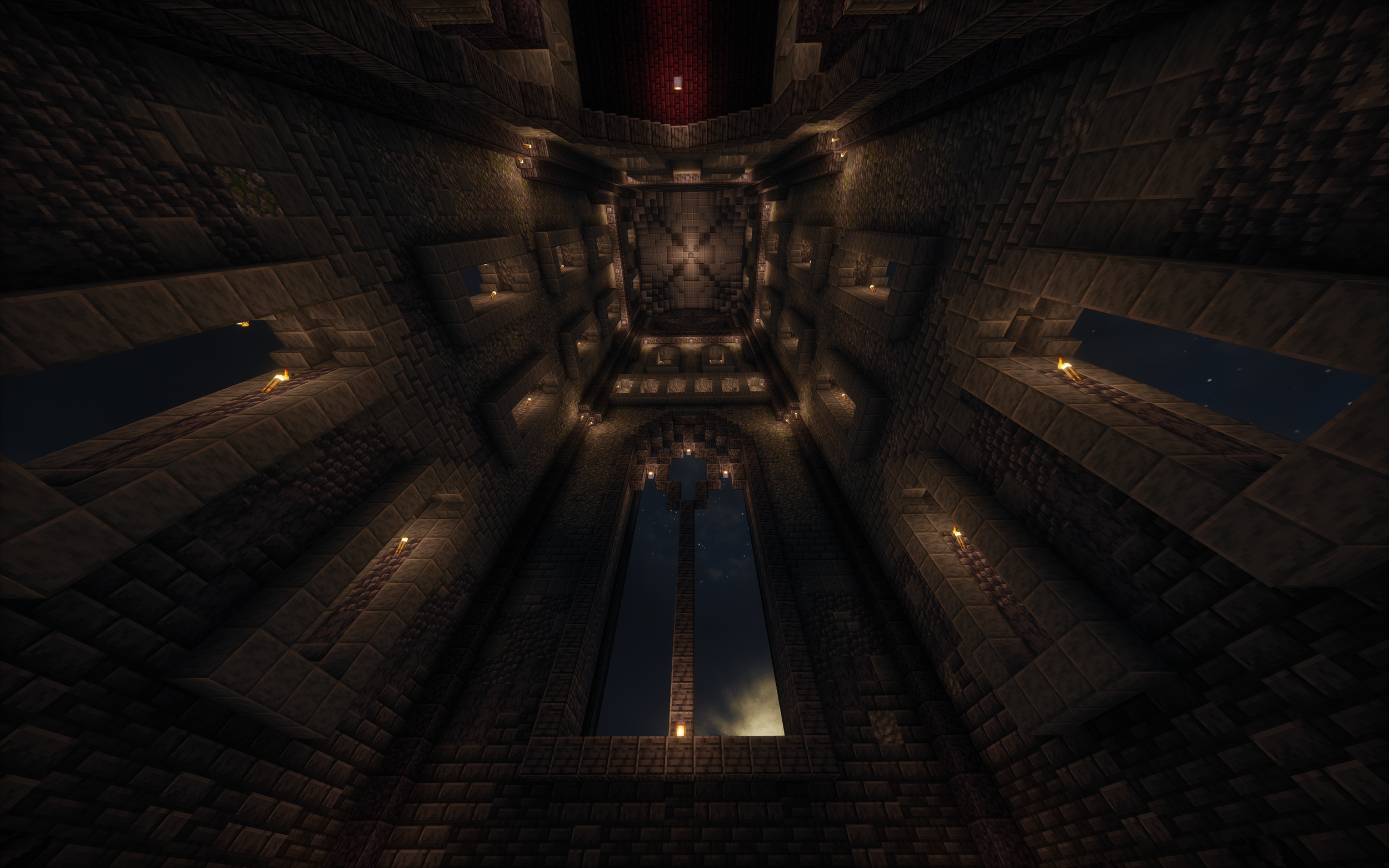
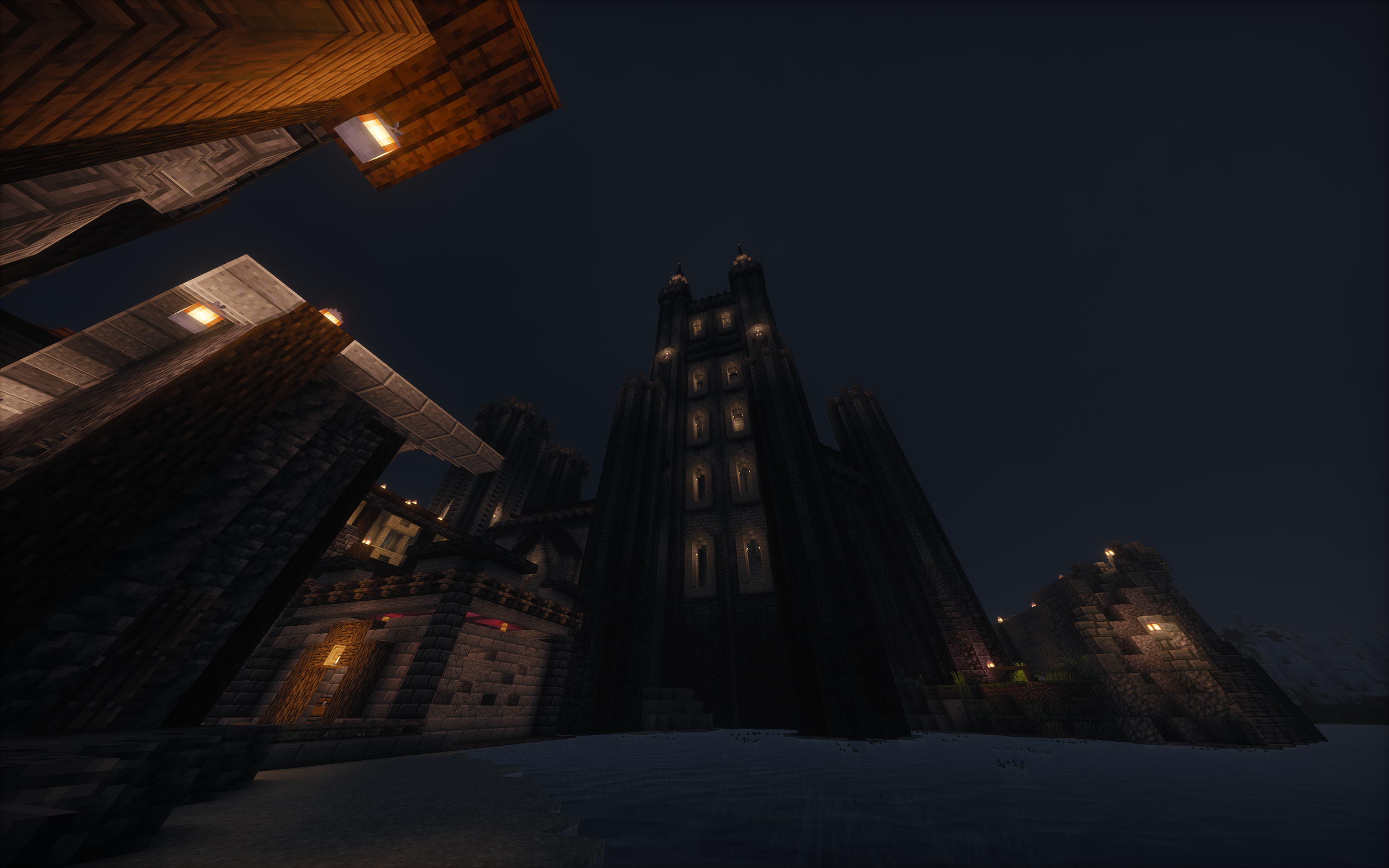
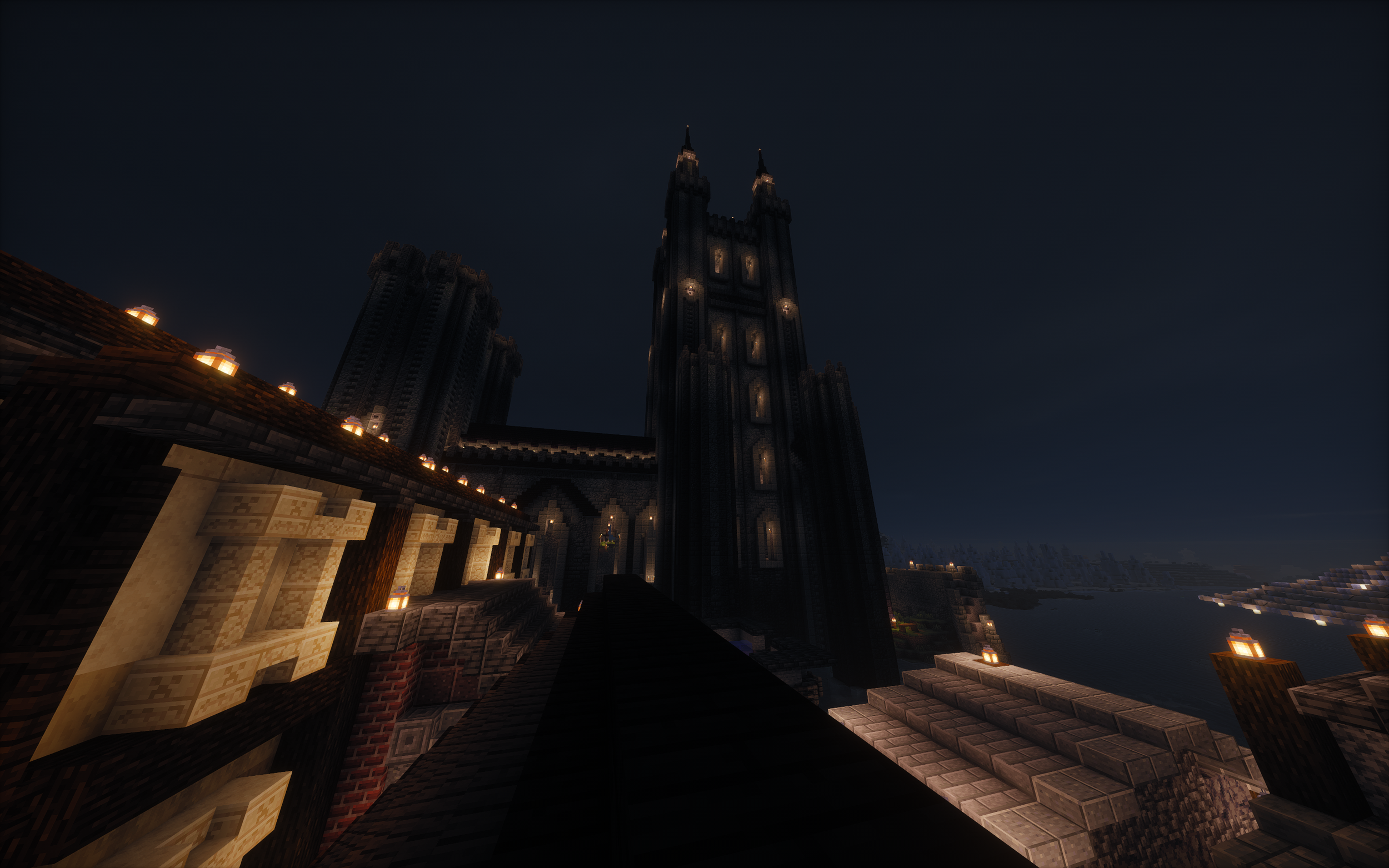
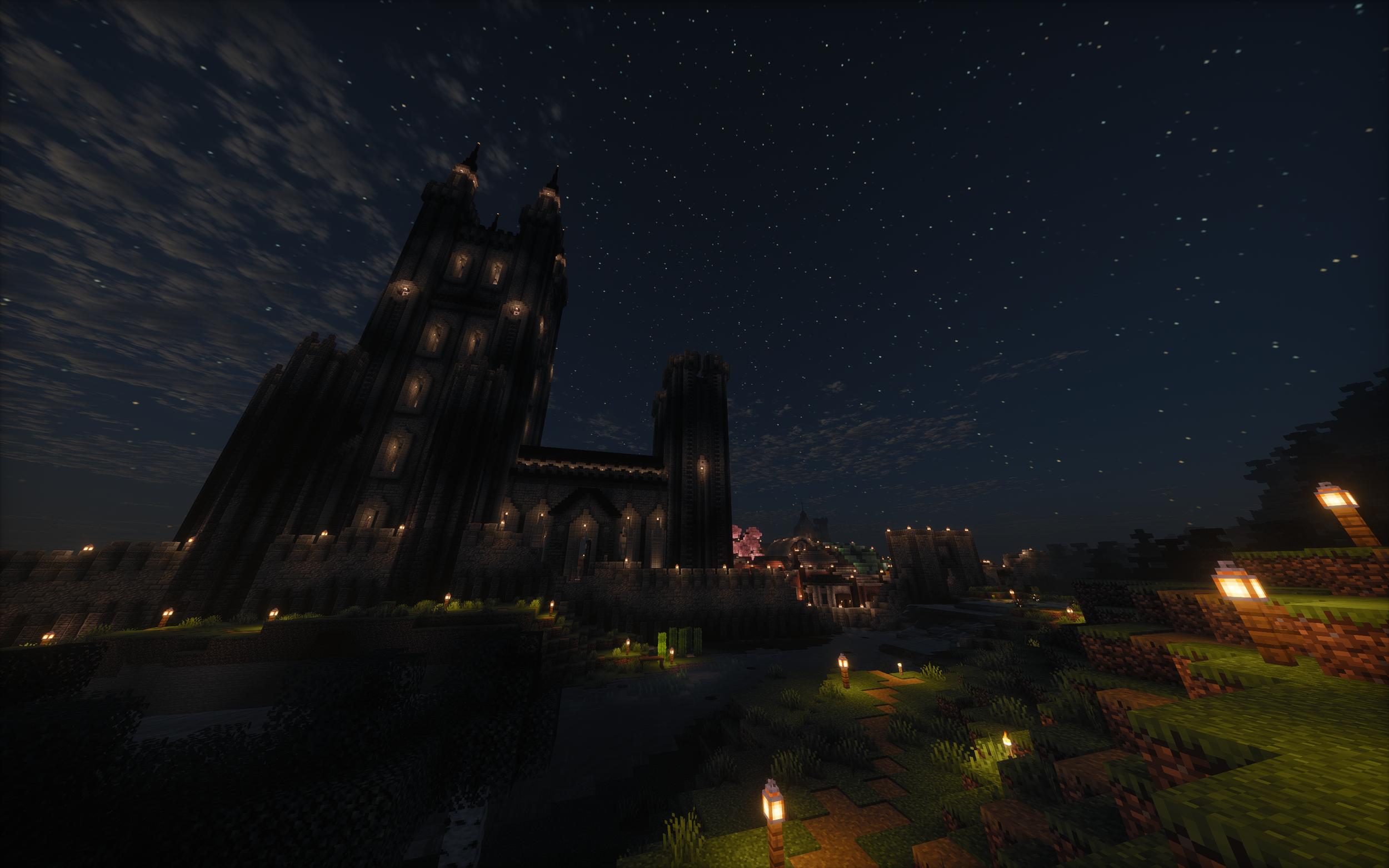
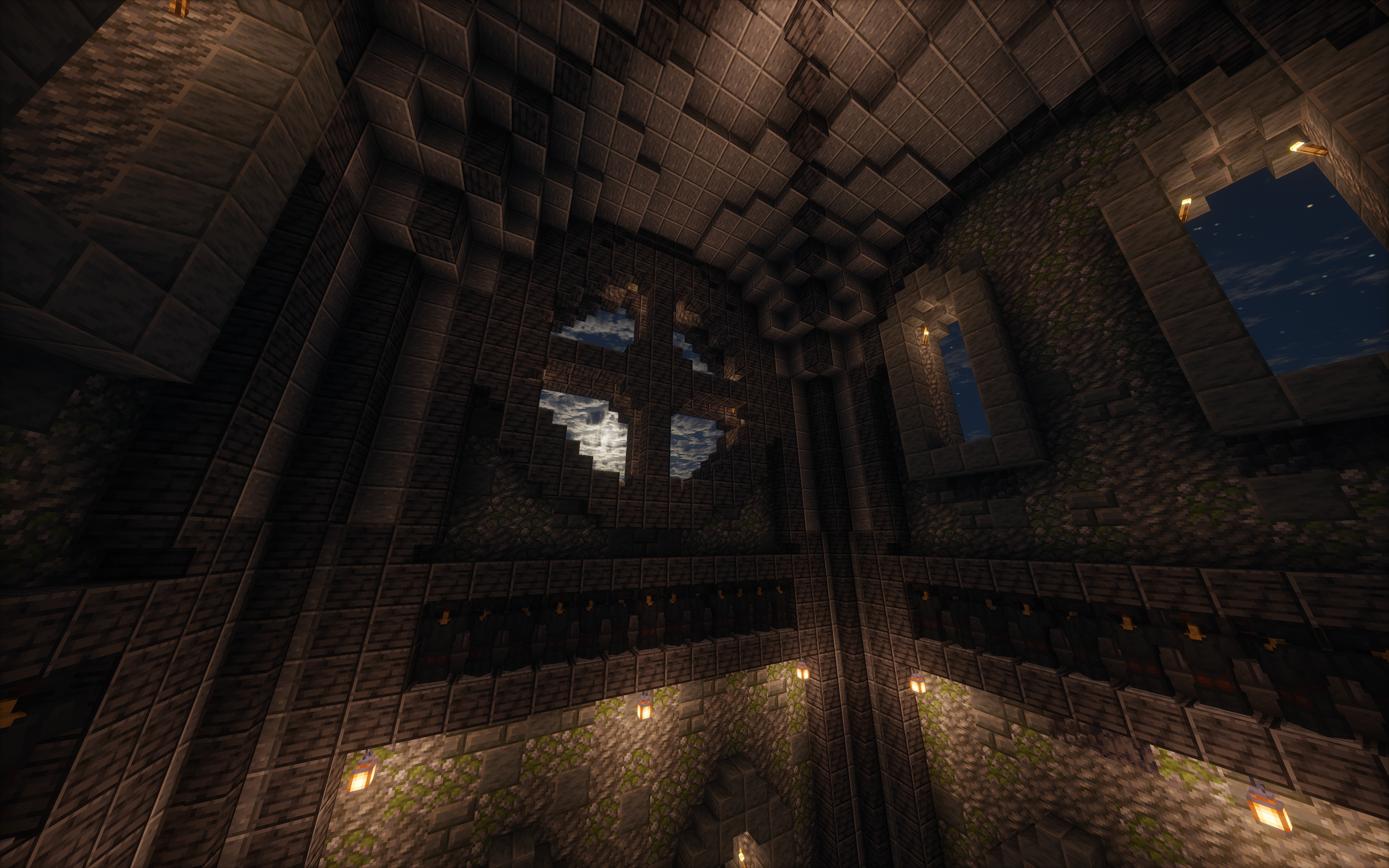
To this day this is the project I am most proud of and I am still trying to find a way to top it. This build was built over the course of two months and required an estimated forty hours of design, resource collection and construction which I will detail below. My favourite part of this build is how it sits within the town that surrounds it and how I managed to tie it into other aspects of the town to help tell the story of the town through its architecture (which I detail more in the town project page).
Design
My first step in creating any massive Minecraft build is to create a document containing a few core inspiration images so with the Cathedral I found clear images of cathedrals containing key aspects that I wanted to draw from. The Cathedral I drew the most inspiration from was Lincoln Cathedral though I opted for a more vertical design.
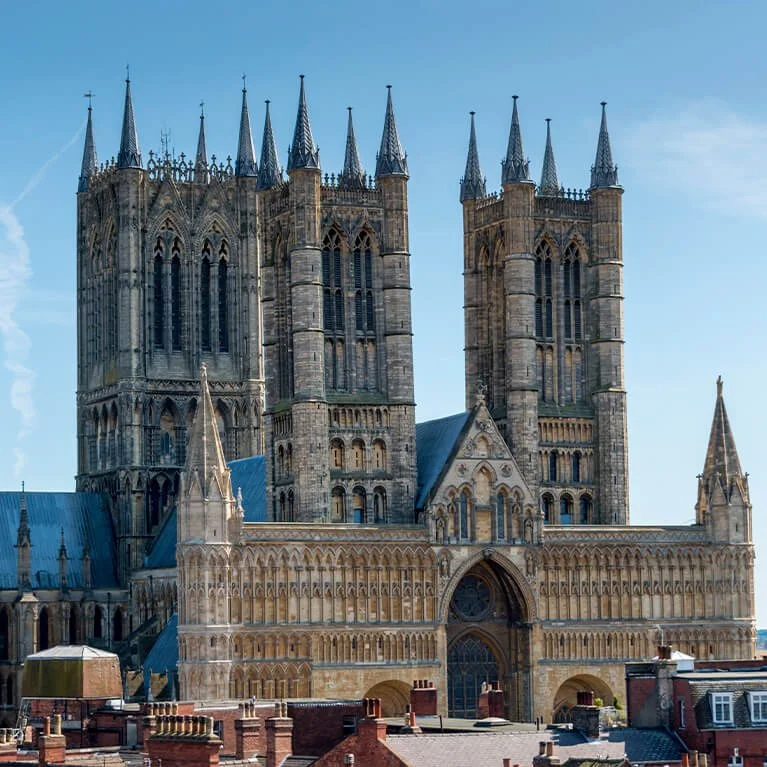
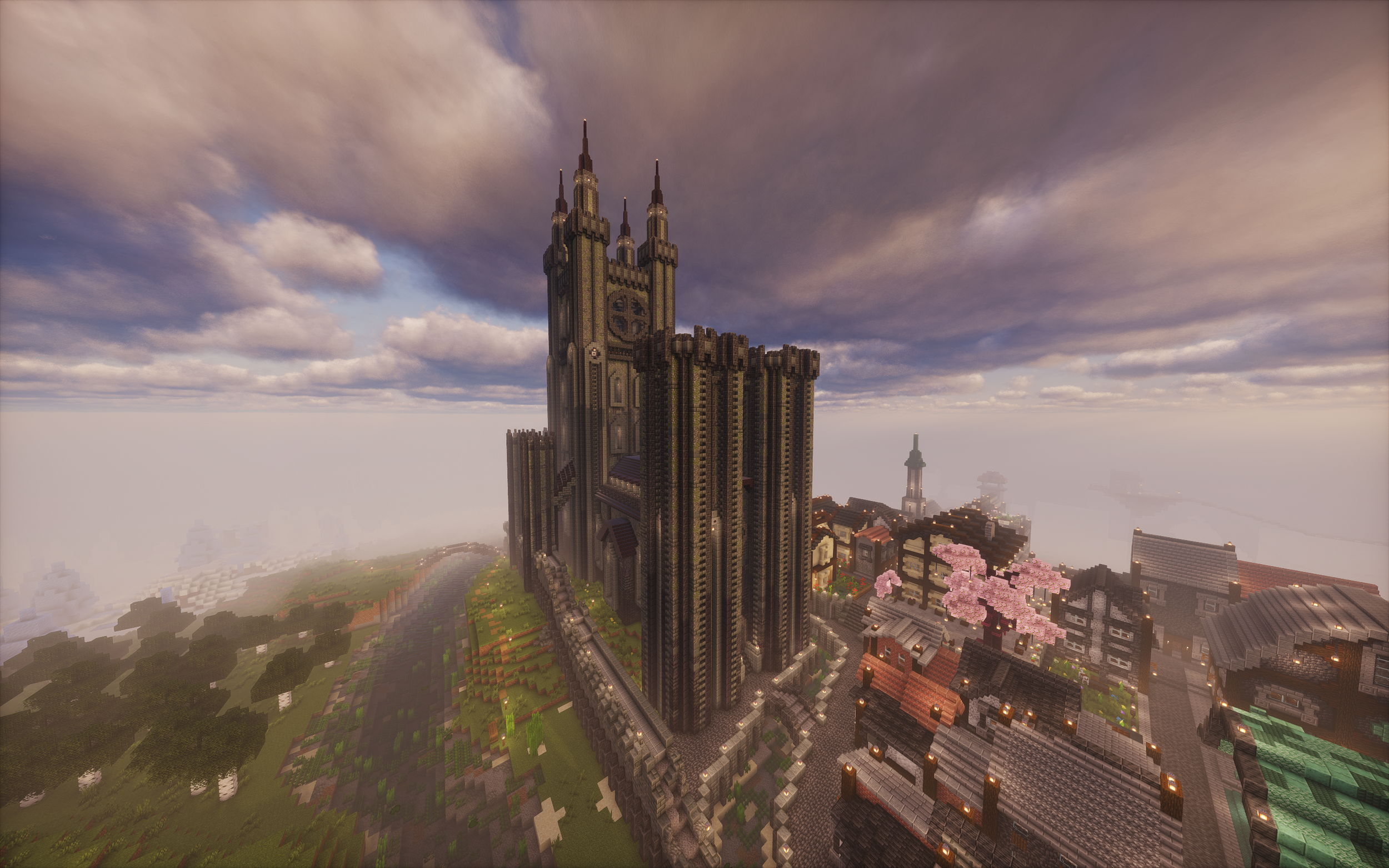
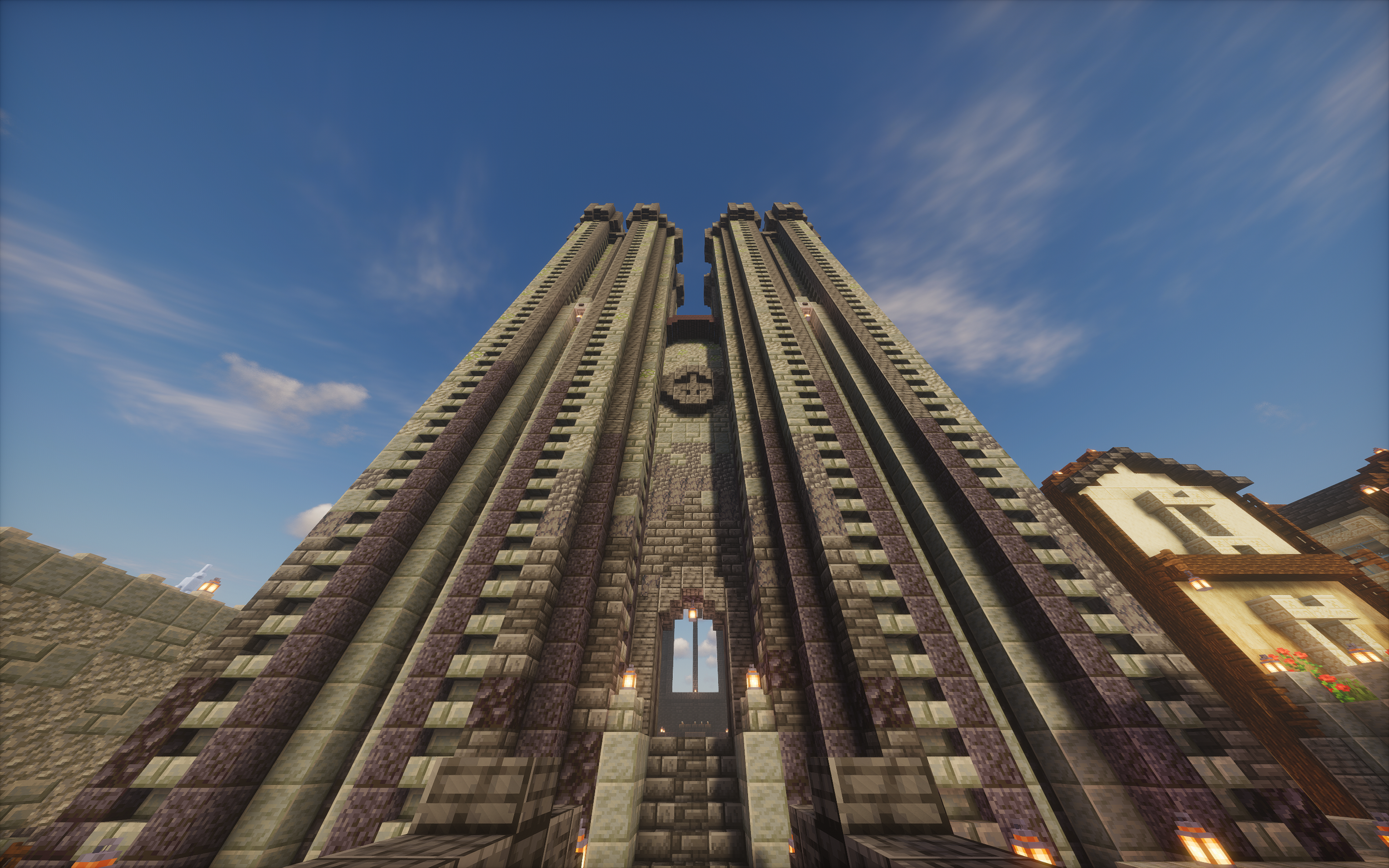
The aspect that I most prominently took from Lincoln Cathedral was the placement and design of the towers. If you look closely at the towers on my cathedral, they are made up of one central tower with four smaller ones extending out from each corner, something clearly seen in the design of Lincoln Cathedral.
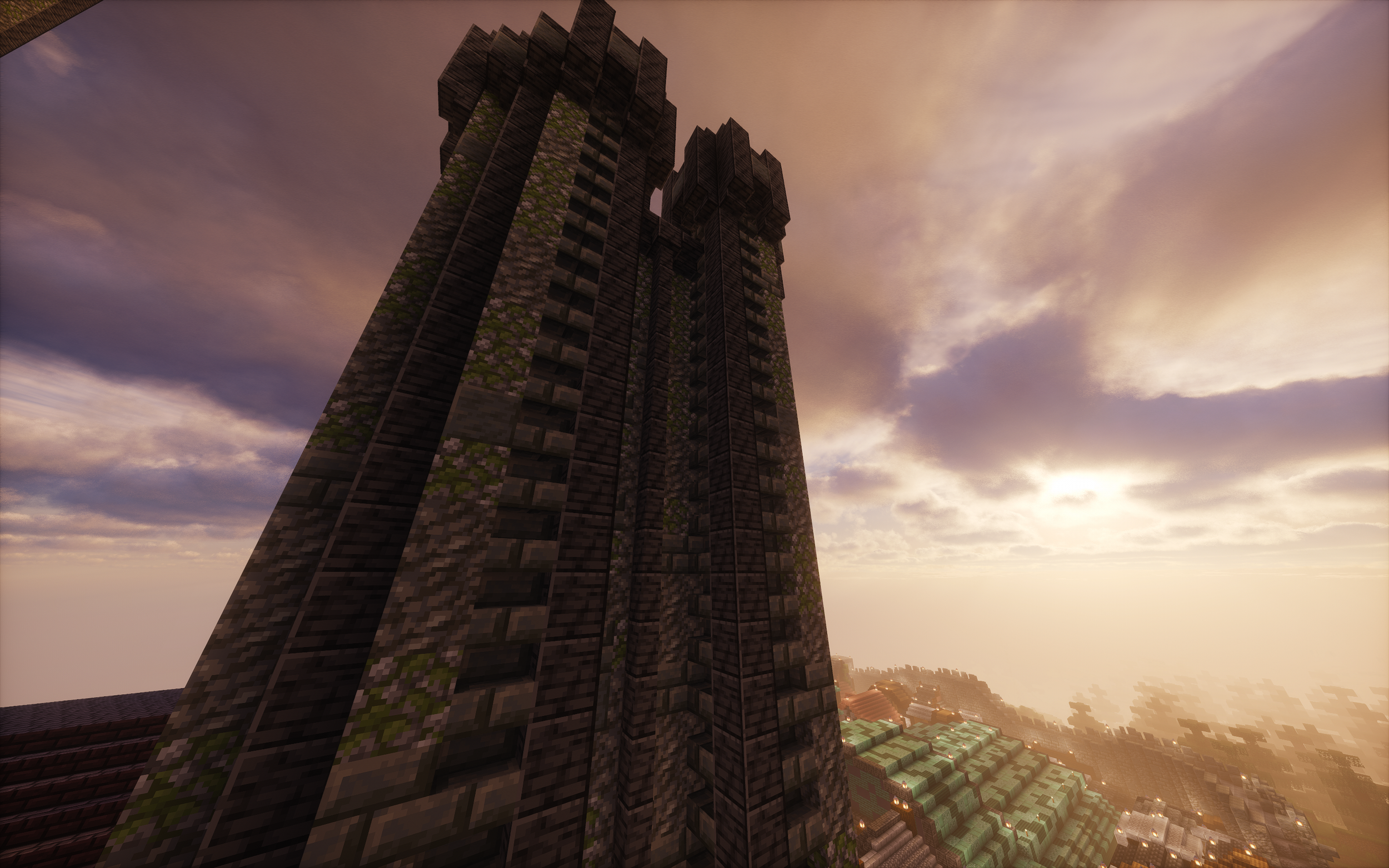
The next design step was to work out the block pallet(the colours). I knew I wanted a central colour gradient from dark to light climbing up the build to draw the eyes up towards the top of the build, making it appear taller, and then one distinct, darker, accent block to make the structures of the Cathedral stand out and register from a distance. This was extra important since, as a massive build, the Cathedral would be best viewed from far away meaning a bolder contrast block could be picked.
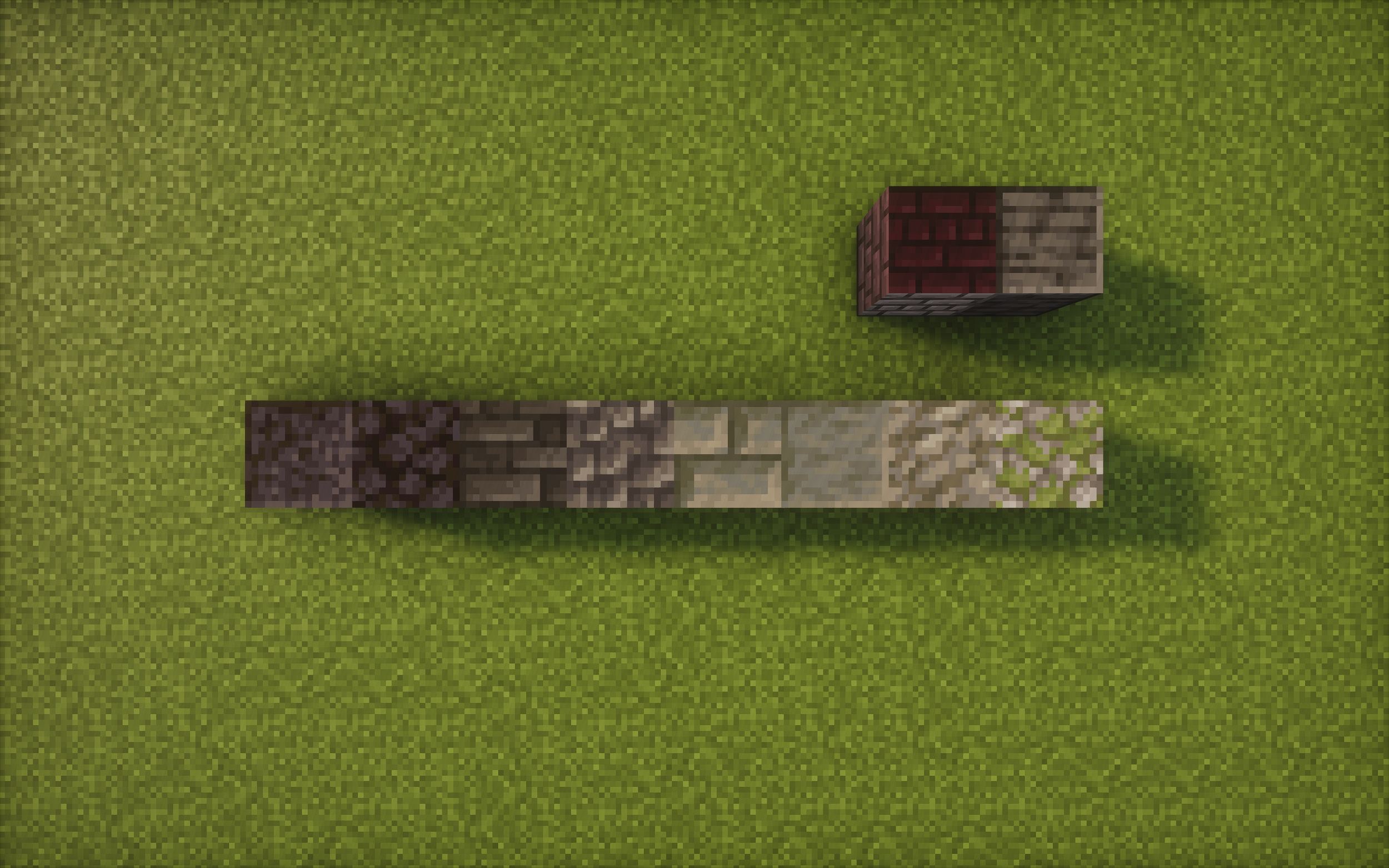
This was the pallet I settled on. A gradient from black to a light grey/green accented by a dark grey. I later realised I wanted another block to use a roof colour and settled for a very dark red that wouldn’t draw the eye away from the more detailed vertical surfaces where I wanted the focus to be. I decided I wanted the Cathedral to be predominantly the pretty green/grey shade of the ‘tuff’ family of blocks so I made the transition through the darker shades of grey and black quickly while working up the cathedral and made sure that the brightest block, ‘mossy cobblestone’ only came in right at the top of the towers.
If I had to describe the key them of the Cathedral in one word it would be “verticality”. I conveyed this as discussed using the dark to bright gradient as well featuring vertical lines predominantly on all sides of the Cathedral and I was happy that I had achieved my desired “fantasy cathedral” where it was clearly oversized for its surroundings and far taller than most cathedrals however I did have an issue now that it had strayed too far from reality for my liking where the main tower looked like it was about to fall down at any moment. I was contemplating a solution to this problem at the same time that I was playing through another game, Elden Ring: Shadow of the Erdtree and I became immensely inspired by some of the architecture displayed in that expansion.
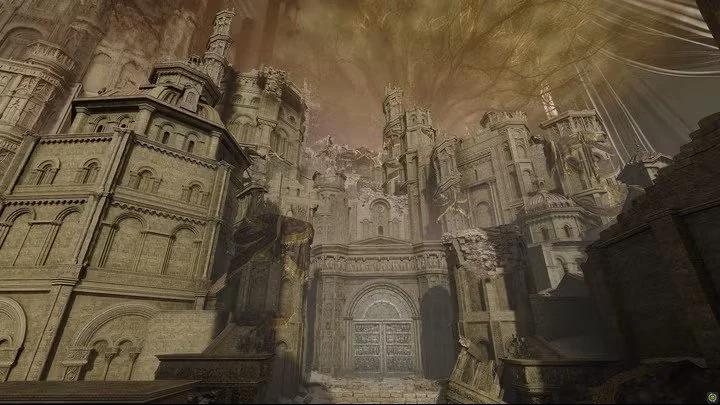
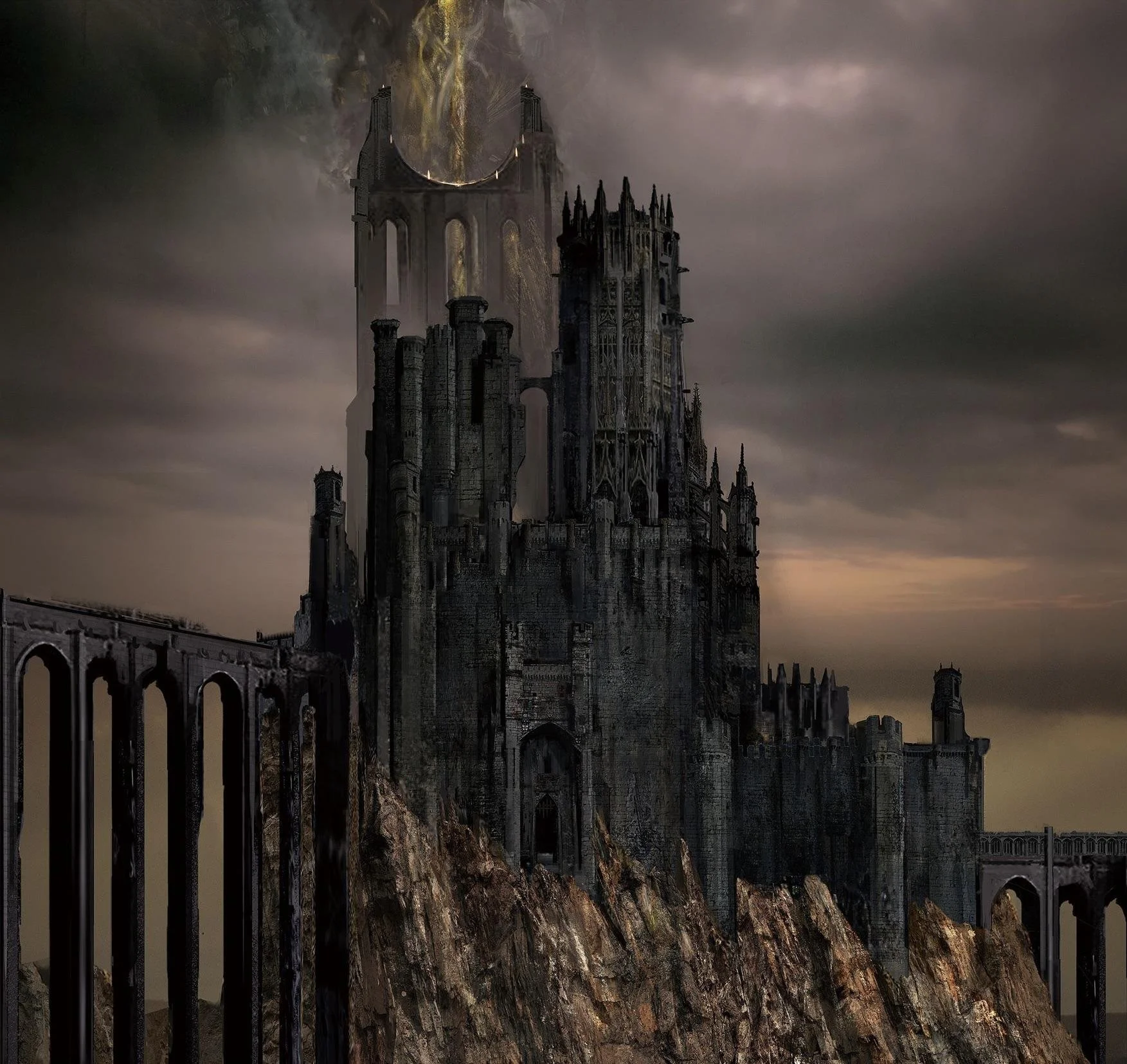
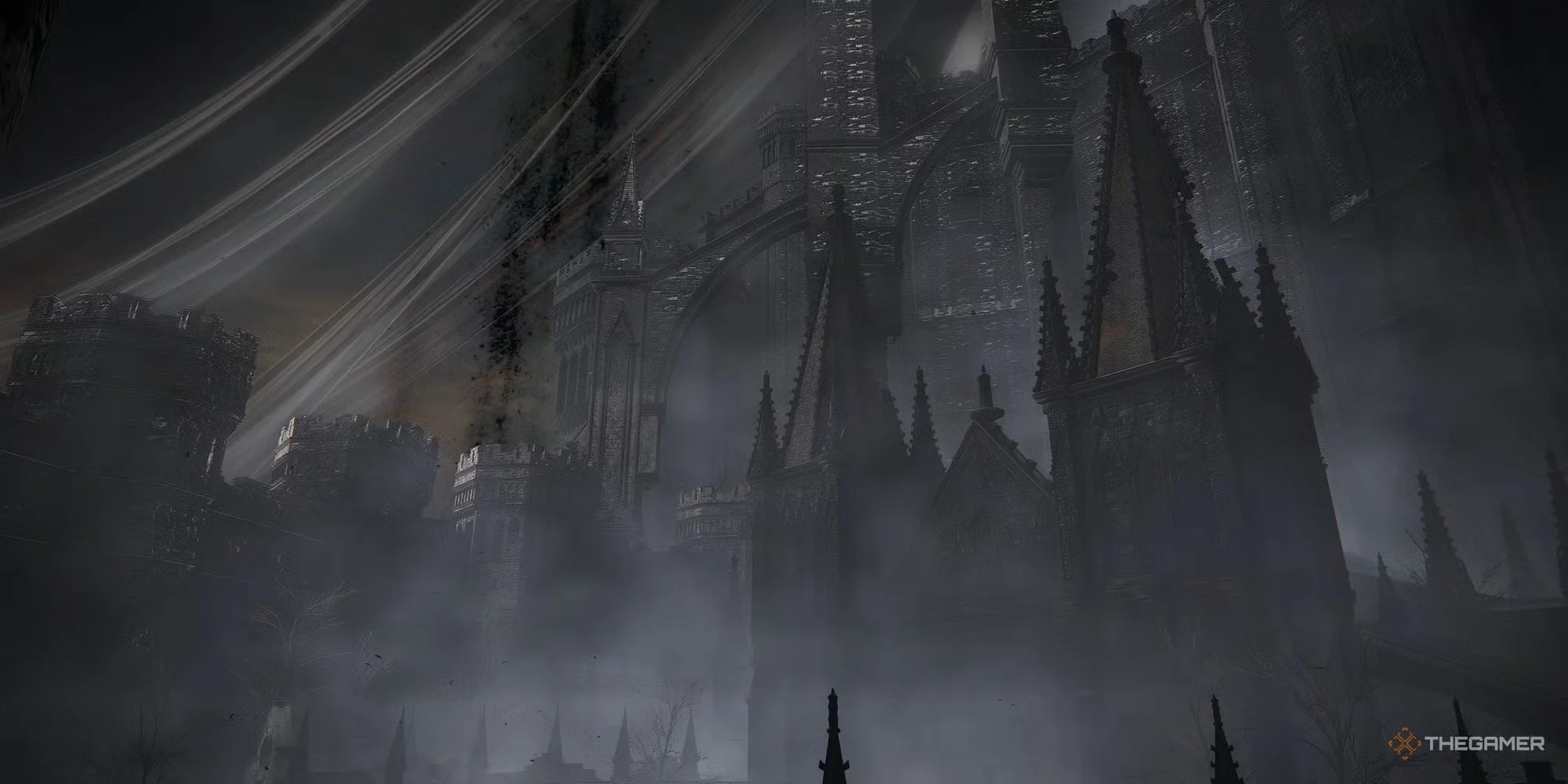
In particular it was the architecture in the background of the third image above that was the solution to my problem. I now know them to be called flying buttresses and I loved how they were used in Elden Ring to make such colossal structures feel grounded and supported so I implemented six of these around the base of the central tower and they are now one of my favourite features of the build and worked wonders for the otherwise very rectangular footprint of the build on top of adding support to the main tower.